Job sheet software replaces the paper pad with a digital service sheet that the engineer completes on site: checks, readings, notes and the customer's signature, all saved to the job record. The office reads the same record, so nothing is typed up later.
Key points
- Digital job sheets capture checks, readings and notes on site, not from memory at the end of the day.
- One completion rule should apply to the engineer and the office, so a job cannot be closed in the portal that the tablet would refuse.
- The customer's signature should be stored as evidence, not as a picture someone can quietly replace.
- A good service sheet PDF is structured: risk assessment, checklist, parts, gases, notes and photos each in their place.
- You can move over one job type at a time. You do not need to change everything in a week.
The problem: paper job sheets lose information
A paper job sheet does one thing well. It is quick to start. The engineer picks up a pad and writes.
After that, the problems stack up. Handwriting is read back differently by different people. A check is skipped because the page did not make it obvious. A reading is scribbled in the margin. The sheet is photographed, posted, filed in a folder, or left on a dashboard until Friday.
Then someone in the office has to turn it into something useful. They type it into a system, chase the engineer for the bits they cannot read, and hope the customer's signature is on the right copy.
The record is made twice: once on site, and again in the office by someone who was not there. Every handover can lose something.
What it costs when the record lives on paper
Time spent re-typing. Office time goes on turning handwriting into records. That is skilled time spent on copying, and it delays invoicing until the sheet turns up.
Disputes you cannot settle. When a customer questions a visit, you need to show what was checked, what was found and who signed. A smudged carbon copy is weak evidence. A missing one is none at all.
Gaps nobody notices. On paper, an unanswered check looks the same as a skipped line. The job gets closed, and the gap is only discovered at the next visit, or during an audit.
What good job sheet software does
- Puts the checks in front of the engineer. Each job carries its own checklist, and each check can carry a reading, so the engineer works through it rather than remembering it.
- Applies one rule to completion. Mandatory checks must be answered before the job closes, whether the engineer or the office is closing it. Optional checks can be left, but only with a stated reason.
- Captures the customer's sign-off properly. The signature is stored with who signed, in what role and when, and it cannot be edited afterwards.
- Produces a structured service sheet. The PDF should read the same way every time, with the sections a customer or auditor expects to find.
- Keeps the record in one place. The office, the engineer and the customer-facing report all come from the same job, not from three versions of it.
How Fisem handles it
The engineer works the job on the tablet. The Fisem tablet app is where the visit happens. Each job has a Service Sheet with the job's checks, and each check can carry a reading. When the engineer finishes, the notes prompt asks for what they found, what they did and what to watch next time, and says plainly that it goes on the job record.
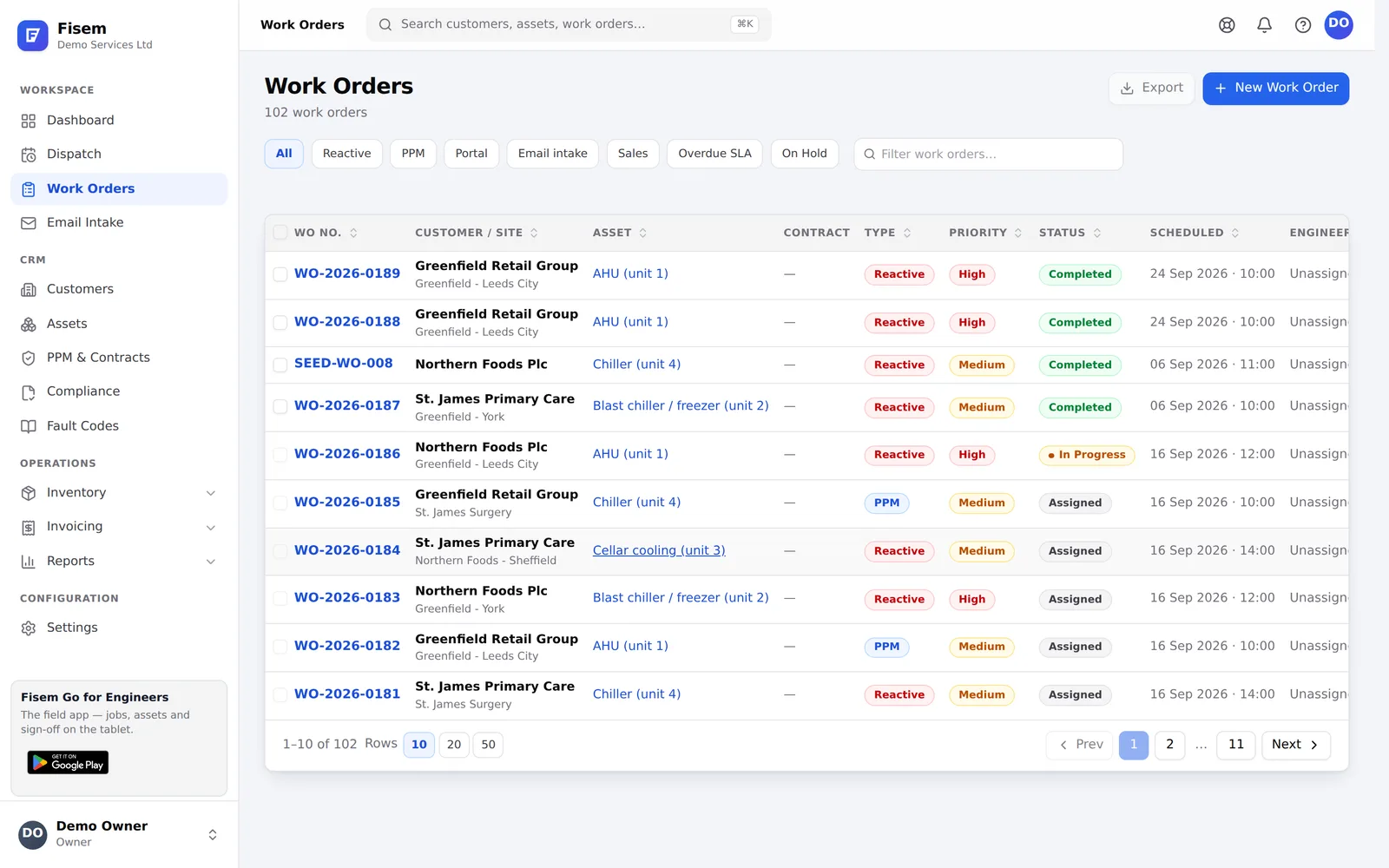
One completion rule, tablet and office. If a statutory or mandatory check is unanswered, the job cannot be completed. The engineer sees "This job can't be completed yet". They either answer the checks or put the job on hold, which the tablet calls "Can't complete" and the office calls "Put on hold", and say what the job is waiting for. The rule is the same in both places, so the office cannot close a job that the tablet would refuse.
If only optional checks are left, completion asks "Why are these being left?" The job is not completed without a reason. The reason is filed as a job note, for example "Completed with 2 checks left unanswered" followed by the engineer's explanation.
Sign-off in five steps. The tablet runs a five-step wizard that ends with "Visit finished — please review and sign". The customer signs on screen and adds their name and role, such as Site manager. After signing, the engineer sees "Visit signed off — The visit report is ready — you are clear to leave site."
The signature is evidence. Fisem stores the signer's name, role, the time of signing (shown in the company's time zone) and a short fingerprint handle. The office sees this read-only on the work order's Customer Signature card, next to the service sheet that belongs to that signing. If a visit needs re-signing, a user with permission must press "Allow re-sign", and the card shows who allowed it and when.
A structured Service sheet PDF. The generated PDF opens with a header: customer, site, address, equipment with manufacturer and model, serial number and the date it was generated. After that come the sections:
- Risk Assessment, when one was done: assets covered, scored hazards with risk bands, main risks and control measures, site elements and hot works.
- Checklist: one row for every check the job was raised with, answered or not, with the reading.
- Parts fitted.
- Refrigerant & gases, only if the job drew refrigerant from a cylinder.
- Labour & notes.
- Evidence: photos marked before or after, with captions.
Each section starts on a fresh page, with the letterhead and page counter repeated.
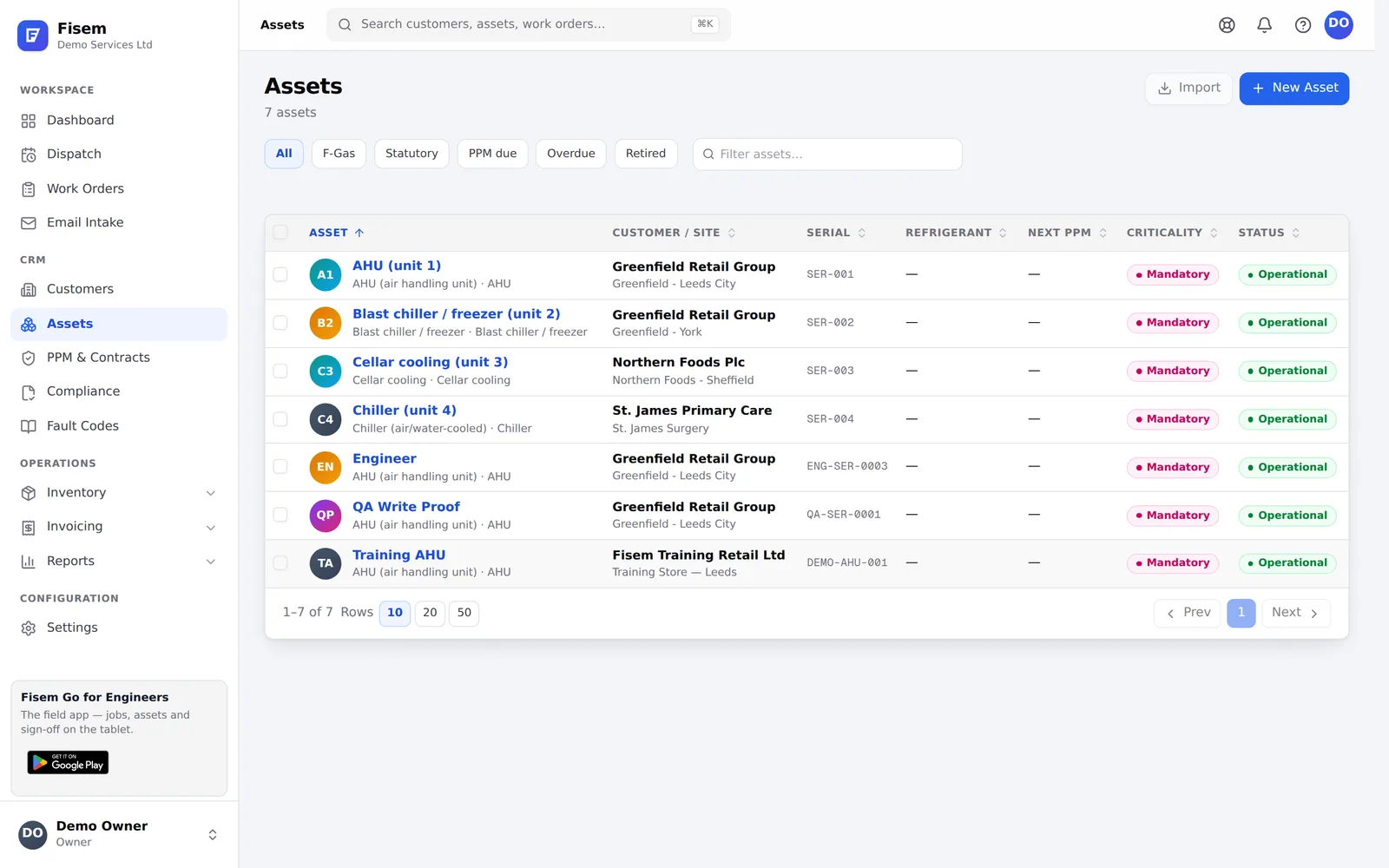
Several assets, one work order. A work order can hold several jobs, one per asset, so a multi-unit visit stays together while each job keeps its own asset and its own checks.
What Fisem does not do
Fisem is deliberately strict in a few places, and you should know where.
It does not let the office alter a signed signature. The office can read it, and that is all. A re-sign needs someone with permission to allow it, and the allowance is recorded.
It does not let a job close with a statutory or mandatory check unanswered, from the tablet or the portal. If a check cannot be answered, the job goes on hold with a stated reason for waiting.
These limits are the point. A job sheet that anyone can close or edit afterwards is not much better than paper.
Where to start
- Pick one job type. Choose the visit you do most, such as a planned service, and set that up first.
- Check which checks are mandatory. Look at which checks on that job type are statutory or mandatory, and which are optional, so engineers know what blocks completion.
- Run a few real jobs on the tablet. Let one or two engineers use it on live visits and listen to what slows them down.
- Review the Service sheet PDF. Open the output, read it as a customer would, and check that the sections tell the story of the visit.
- Retire the pad for that job type. Once the first job type works, move on to the next one.
Start your 30-day free trial and set up Fisem for your trade in minutes, or see what else it covers on the features overview.
Frequently asked questions
What is job sheet software?
Job sheet software is a system that replaces the paper job sheet. The engineer completes checks, readings, notes and customer sign-off on a device, and the office sees the same record without re-typing anything.
Can the office close a job that the engineer could not complete?
No. Fisem uses one completion rule on the tablet and in the office portal. If a statutory or mandatory check is unanswered, the job cannot be completed from either place. It has to be answered or put on hold.
What happens if an optional check is left unanswered?
Completion asks why the checks are being left, and the job is not completed without a reason. The reason is filed on the record as a job note.
Can the office edit a customer's signature?
No. The office sees the signature read-only, beside the service sheet it belongs to. If a visit needs re-signing, a user with permission must press Allow re-sign, and the card records who allowed it and when.
What is in the generated service sheet PDF?
A header with customer, site and equipment details, then sections for risk assessment (when one was done), checklist with readings, parts fitted, refrigerant and gases (when used), labour and notes, and photo evidence.
Run the whole visit in one system
Fisem schedules the engineer, carries the job sheet offline, captures the evidence, issues the certificate and raises the invoice. Set up for your trade in minutes, no card needed.